DuckDuckGo without AI: noai.duckduckgo.com
What noai.duckduckgo.com turns off
DuckDuckGo's help page lists what https://noai.duckduckgo.com/ blocks:
- Search Assist
- Duck.ai
- AI-generated images
No-AI extensions
DuckDuckGo offers No-AI extensions for Chrome and Firefox. DuckDuckGo's help page says they set the default search to the AI-free experience.
TechCrunch reported the launch on June 1, 2026.
Alternative: turn off AI features in duckduckgo.com settings. Opting out of DuckDuckGo AI features.
Use DuckDuckGo's No-AI extensions for Chrome and Firefox, or follow the Chrome steps on this page to set the search URL as the default.
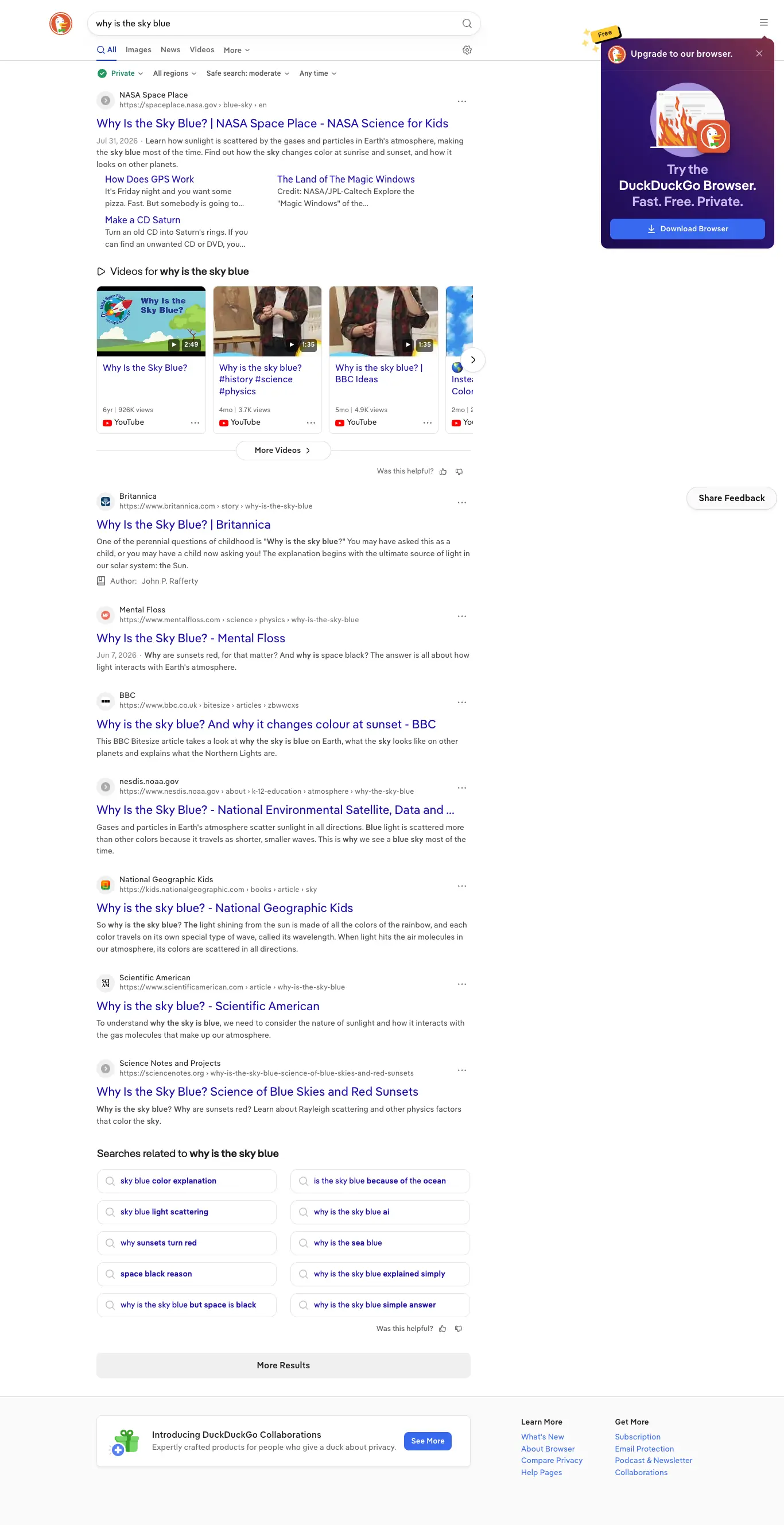
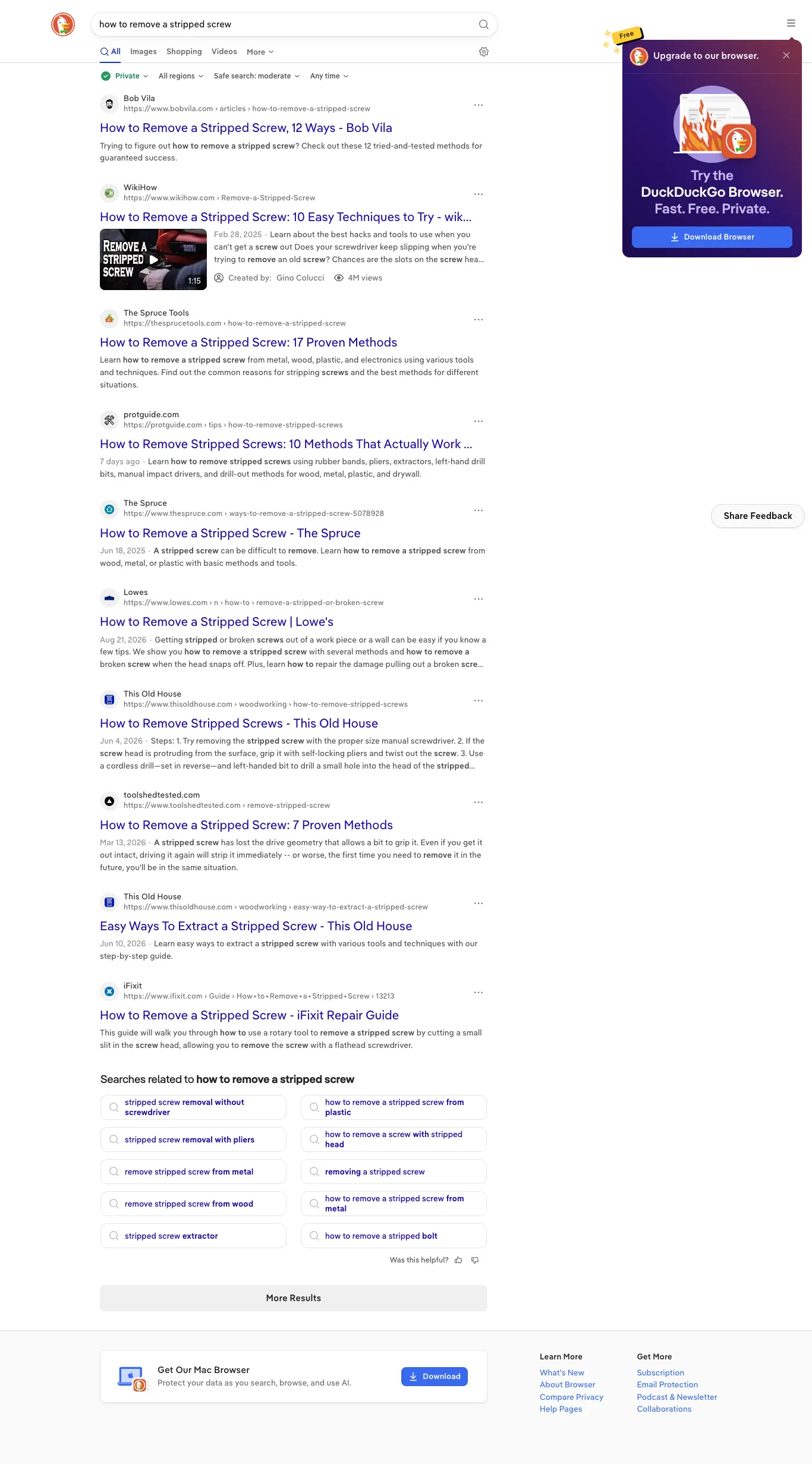
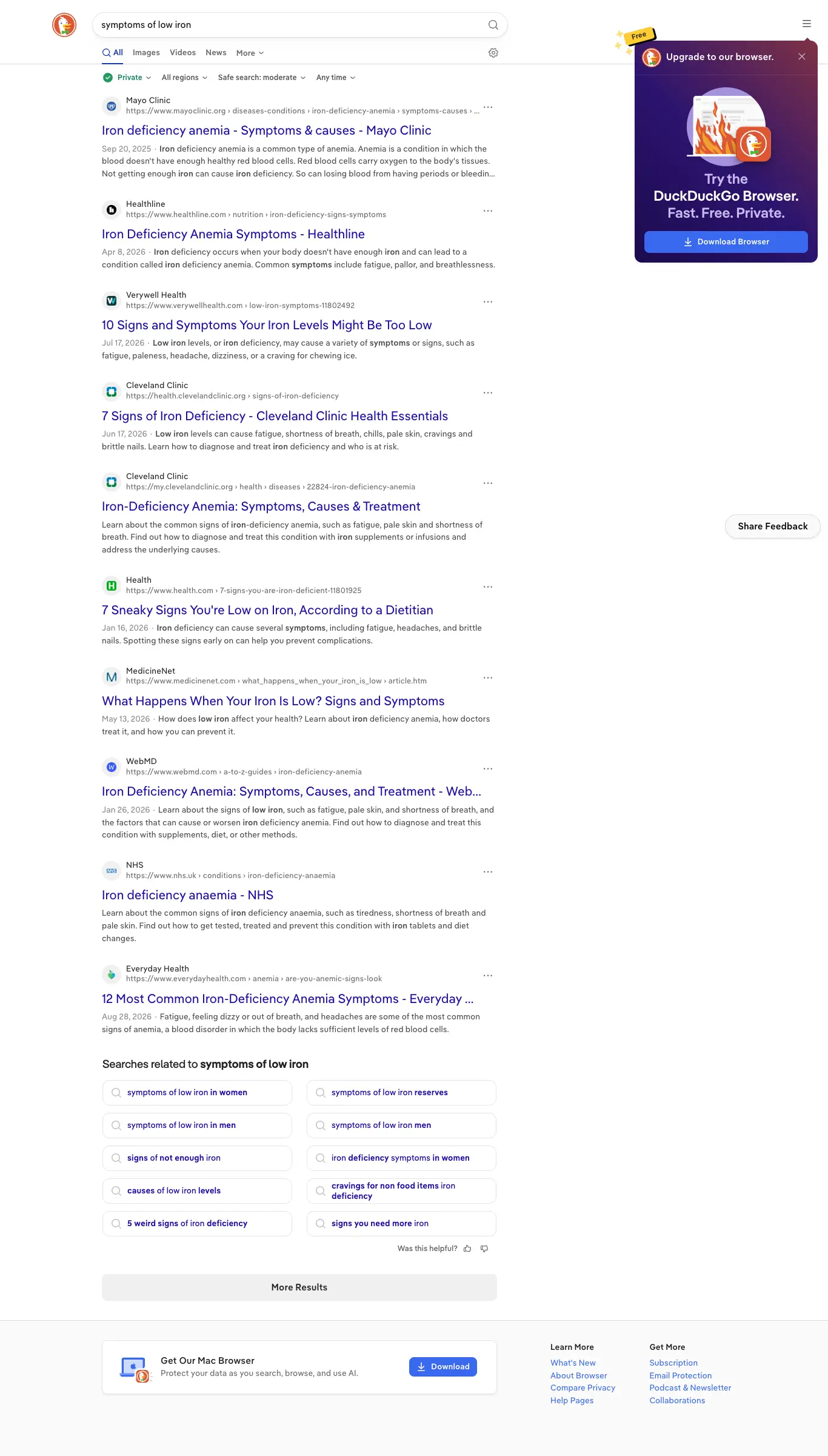
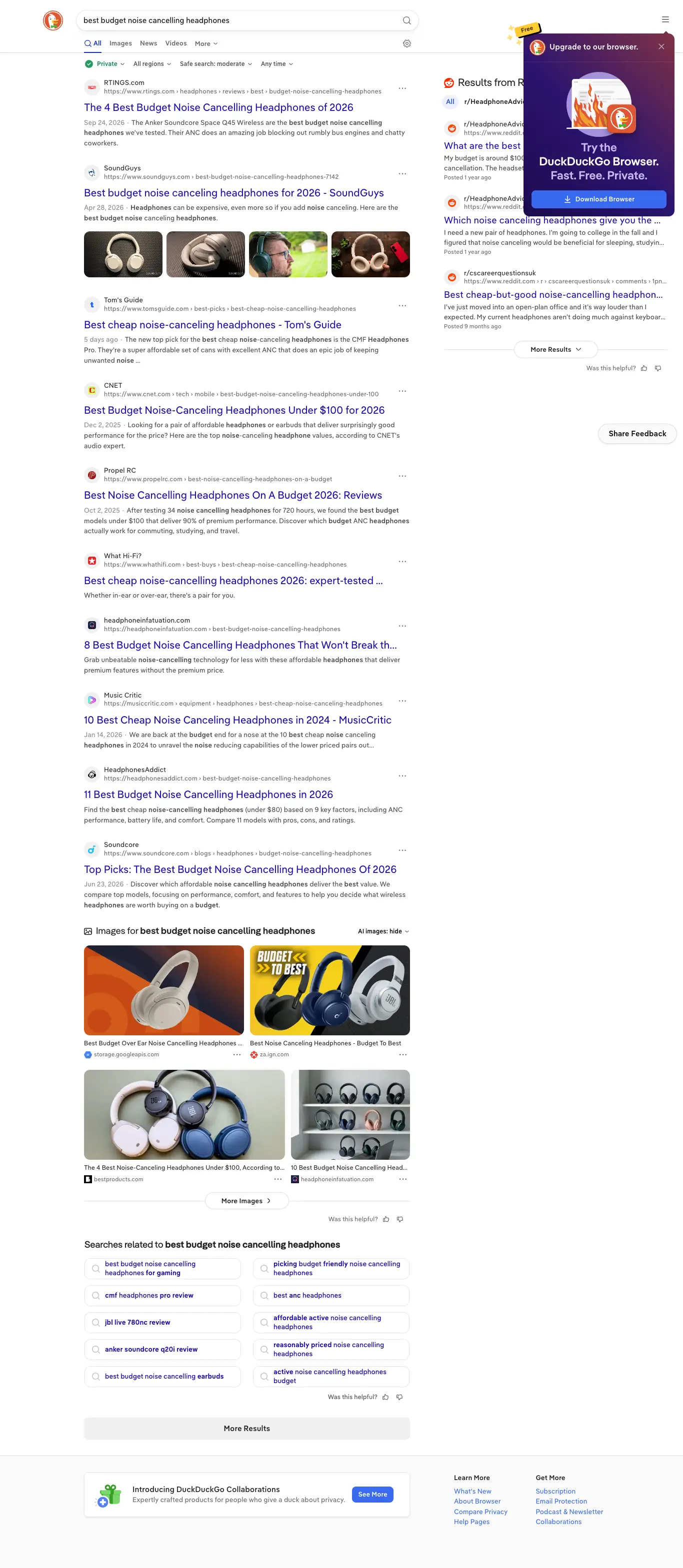
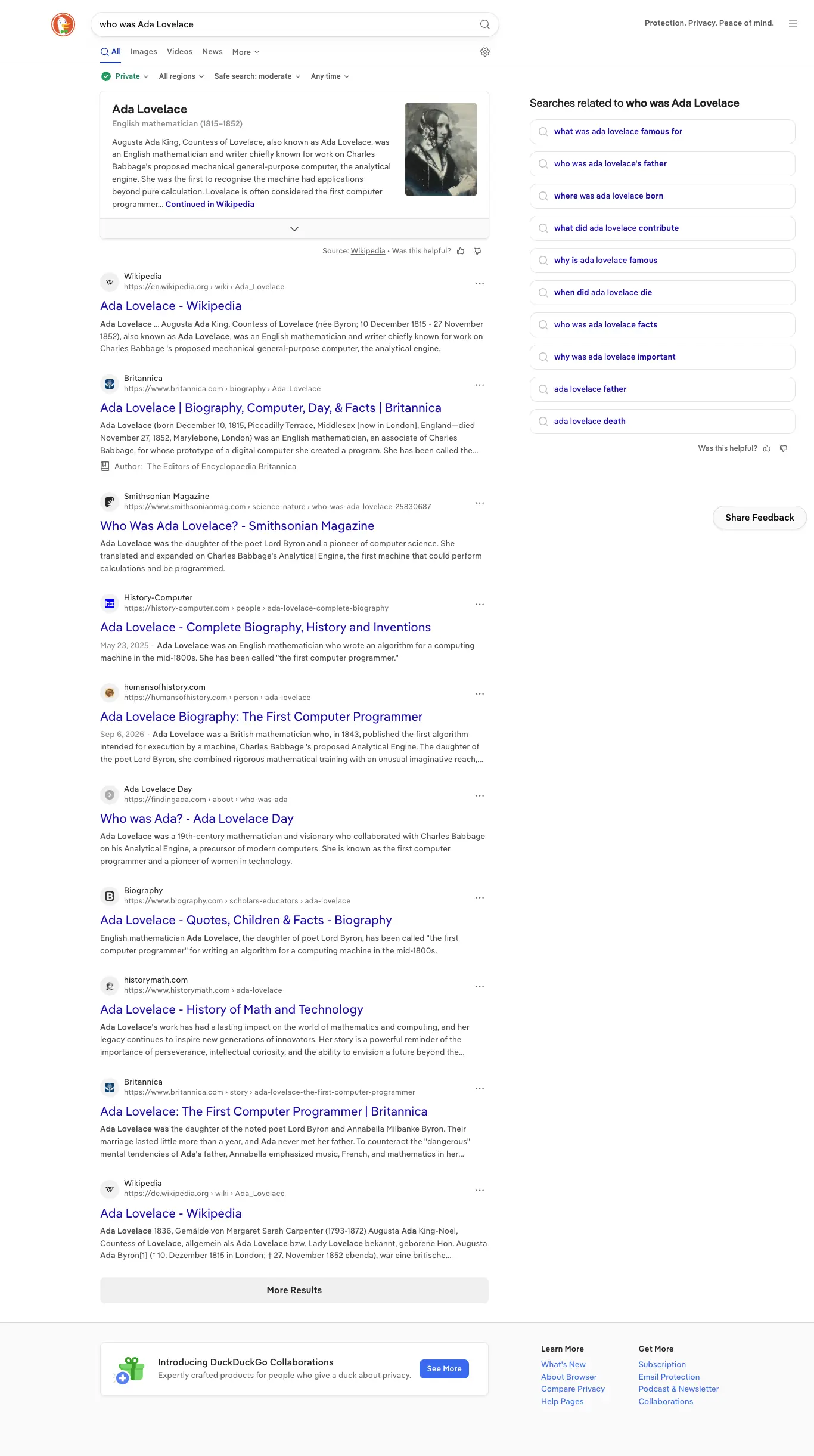
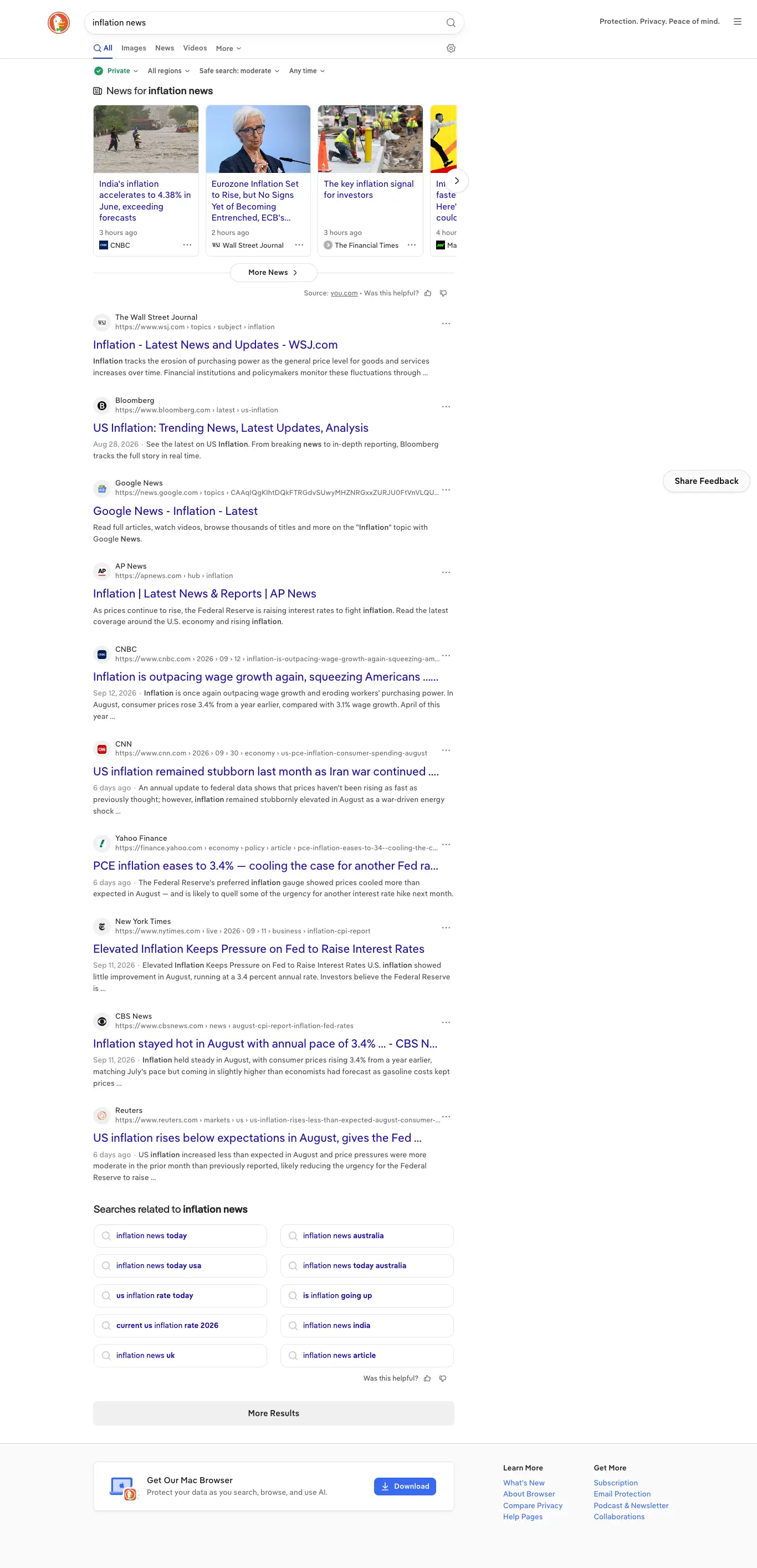
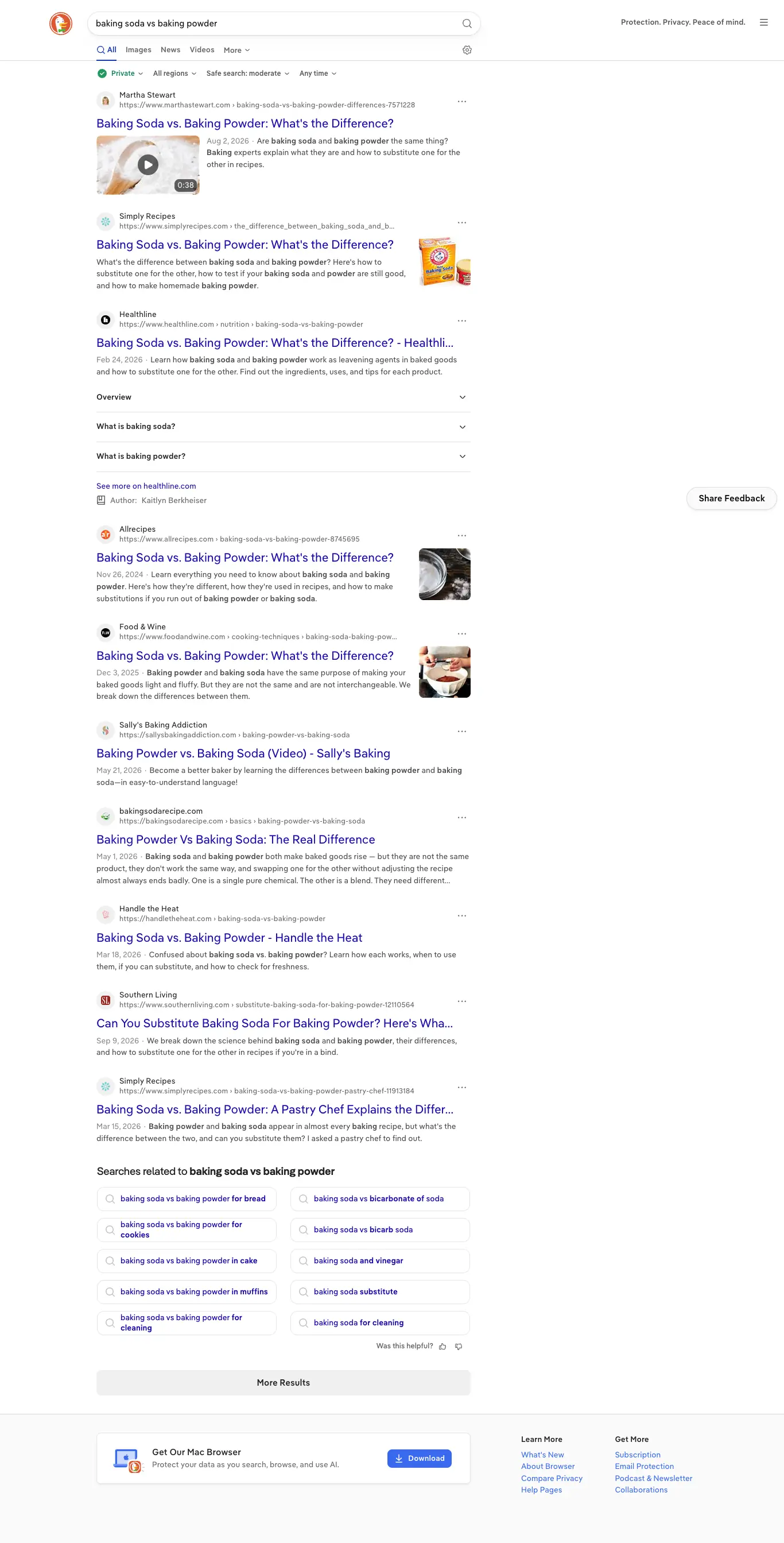
The regular duckduckgo.com can show Search Assist AI answers, but noai.duckduckgo.com showed no AI answers on any of our 7 web queries, with AI images hidden by default.
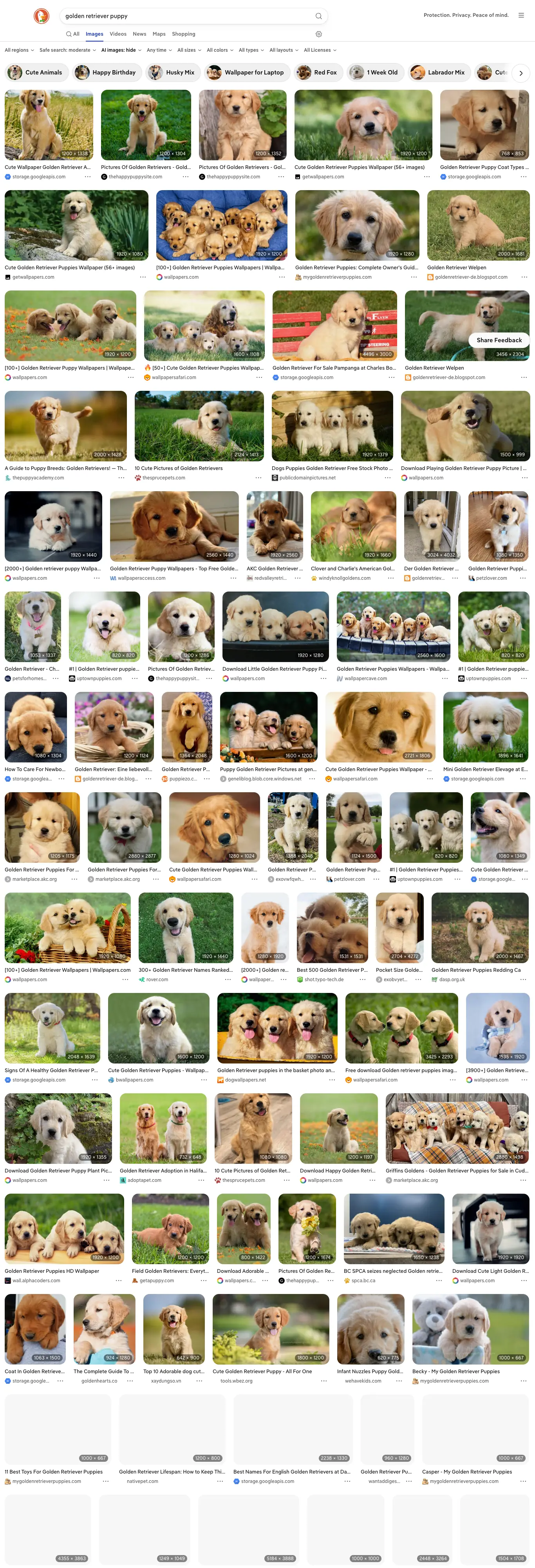
DuckDuckGo No-AI: No AI answers on any of our 7 web queries. AI images are hidden by default. Tested Oct 6, 2026 in the US on Chrome desktop, signed out.
Updated
Test results
| Status | No AI. With default settings at the tested address, no generative AI appeared in any of our test queries. |
|---|---|
| Generative answers by default | No |
| Can disable AI | Not applicable |
| Setting persists | Not applicable |
| AI images | Hidden by default |
| Result source | Mixed. DuckDuckGo blends several sources, mainly Bing, with its own crawler. |
| Login required | No |
| Price | Free |
| Privacy | No search history tied to you. Privacy policy |
| Mobile (Android / iOS) | Phones not tested yet. |
| Tested on | Chrome 154 desktop (macOS), US, signed out |
| Address tested | noai.duckduckgo.com |
Screenshots from our test
Caveats
- A Duck.ai link stays in the top bar. It opens only if you click it.
- Only noai.duckduckgo.com behaves this way. The regular duckduckgo.com can show Search Assist.
DuckDuckGo turns Search Assist off at noai.duckduckgo.com. For Google, see what to do when Google's AI Mode won't load.
For a phone, see turning off AI Overviews on your phone.
Set DuckDuckGo No-AI as your default search in Chrome
Chrome on desktop (Windows, macOS, Linux).
For the other engines we tested, see a search engine without AI answers.
- Open Chrome. At the top right, select the three-dot menu (⋮) → Settings.
- On the left, select Search engine → Manage search engines and site search.
- To the right of the Site search row, select Add. In the Add site search dialog, Name: DuckDuckGo No-AI. Shortcut: noai. URL with %s in place of query: https://noai.duckduckgo.com/?q=%s. Select Add.
- Next to the new entry, open the three-dot menu (⋮) → Make default.
URL with %s in place of query:https://noai.duckduckgo.com/?q=%s
- Chrome managed by work or school may have the search engine locked by an administrator.
- In some countries, a Guest profile cannot set a custom site search as the default.
- Firefox, Safari, Edge and phones: not tested yet.
How we tested DuckDuckGo
We ran the same 8 queries we use for every engine: 7 web searches and 1 image search.
This round used Chrome 154 desktop (macOS) from the US, signed out, on Oct 6, 2026.
We tested noai.duckduckgo.com. We did not test the regular duckduckgo.com.
Phones not tested yet.
Official sources
Other engines we tested
- How to search Google without AI
- Does Startpage Use AI?
- Does SearXNG Use AI?
- Compare all tested search engines
Not tested yet: Mojeek, Kagi, Brave Search, Ecosia.
Questions
What does noai.duckduckgo.com turn off?
DuckDuckGo's help page says noai.duckduckgo.com blocks Search Assist, Duck.ai, and AI-generated images.
How do I make it my default?
Use DuckDuckGo's No-AI extensions for Chrome and Firefox, or follow the Chrome steps on this page to set the search URL as the default.
Prefer to keep Google? You can use Google's Web filter (udm=14).