Does SearXNG Use AI?
SearXNG showed no AI answers on any of our 7 web queries on the baresearch.org instance, but each instance chooses its own engines, so results can differ.
SearXNG: No AI answers on any of our 7 web queries on the baresearch.org instance. Tested Oct 6, 2026 in the US on Chrome desktop, signed out.
Updated
Test results
| Status | No AI. With default settings at the tested address, no generative AI appeared in any of our test queries. |
|---|---|
| Generative answers by default | No |
| Can disable AI | Not applicable |
| Setting persists | Not applicable |
| AI images | No filter |
| Result source | Varies. Metasearch: each instance picks which engines to query. |
| Login required | No |
| Price | Free |
| Privacy | Depends on who runs the instance. |
| Mobile (Android / iOS) | Phones not tested yet. |
| Tested on | Chrome 154 desktop (macOS), US, signed out |
| Address tested | baresearch.org |
Screenshots from our test
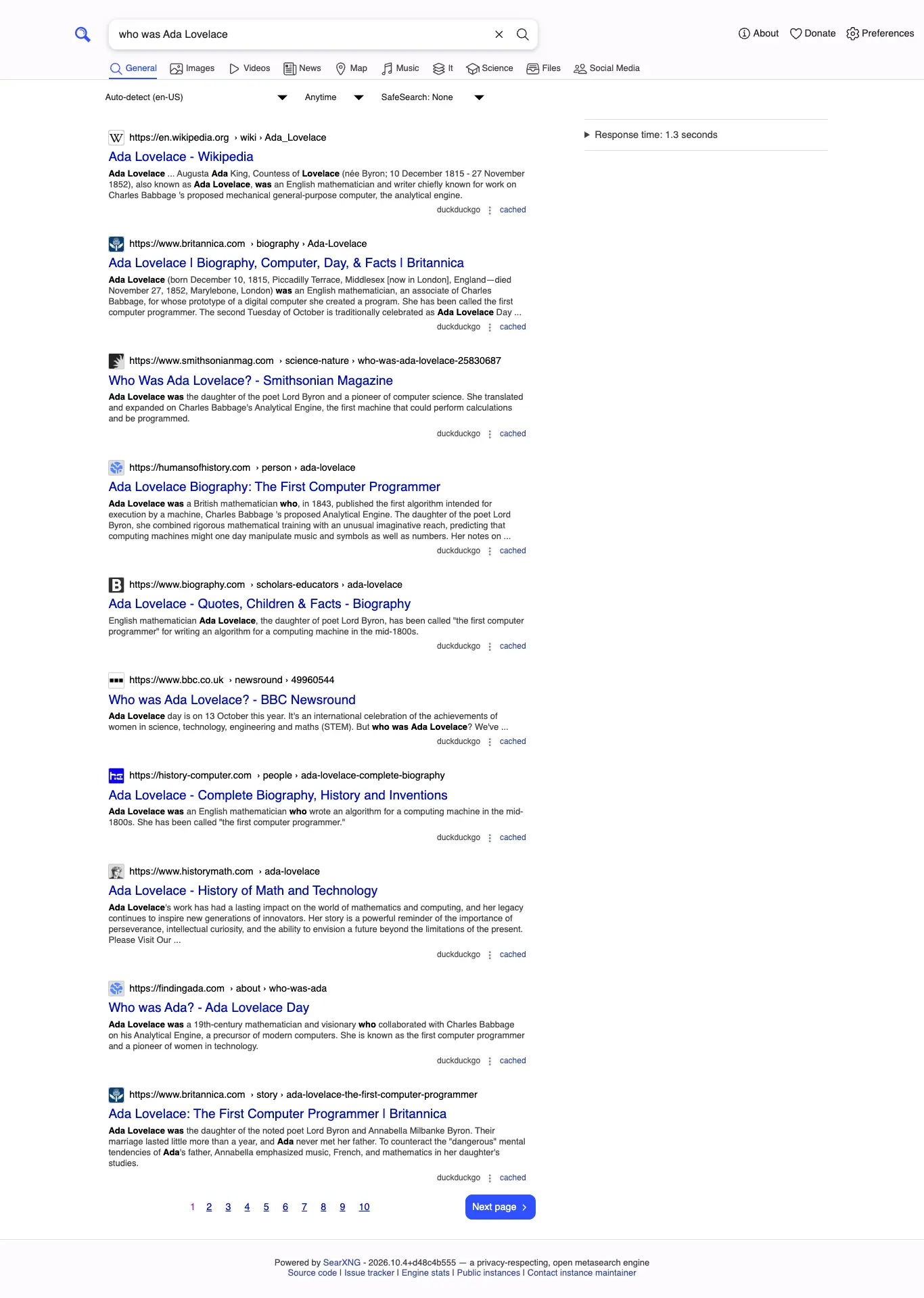
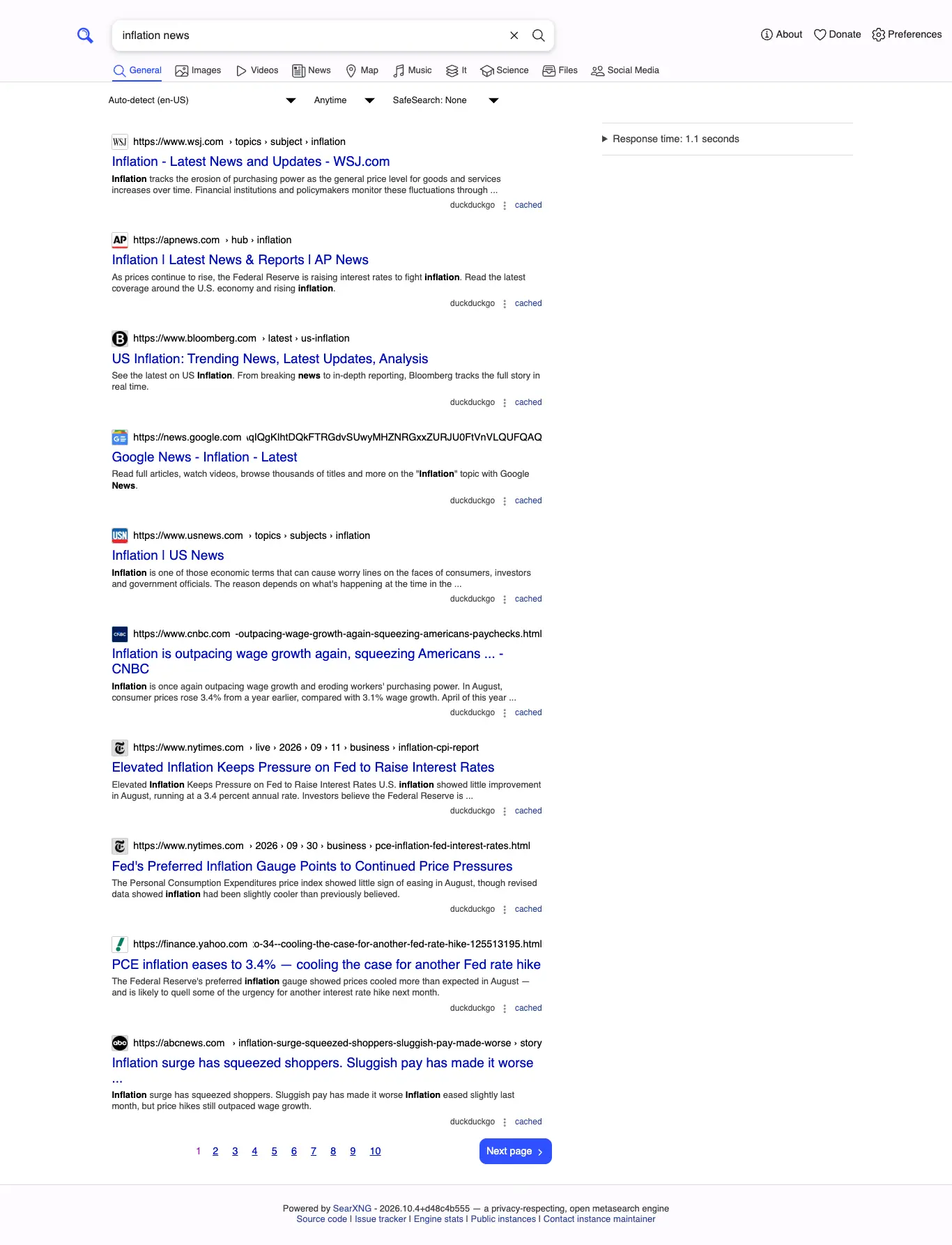
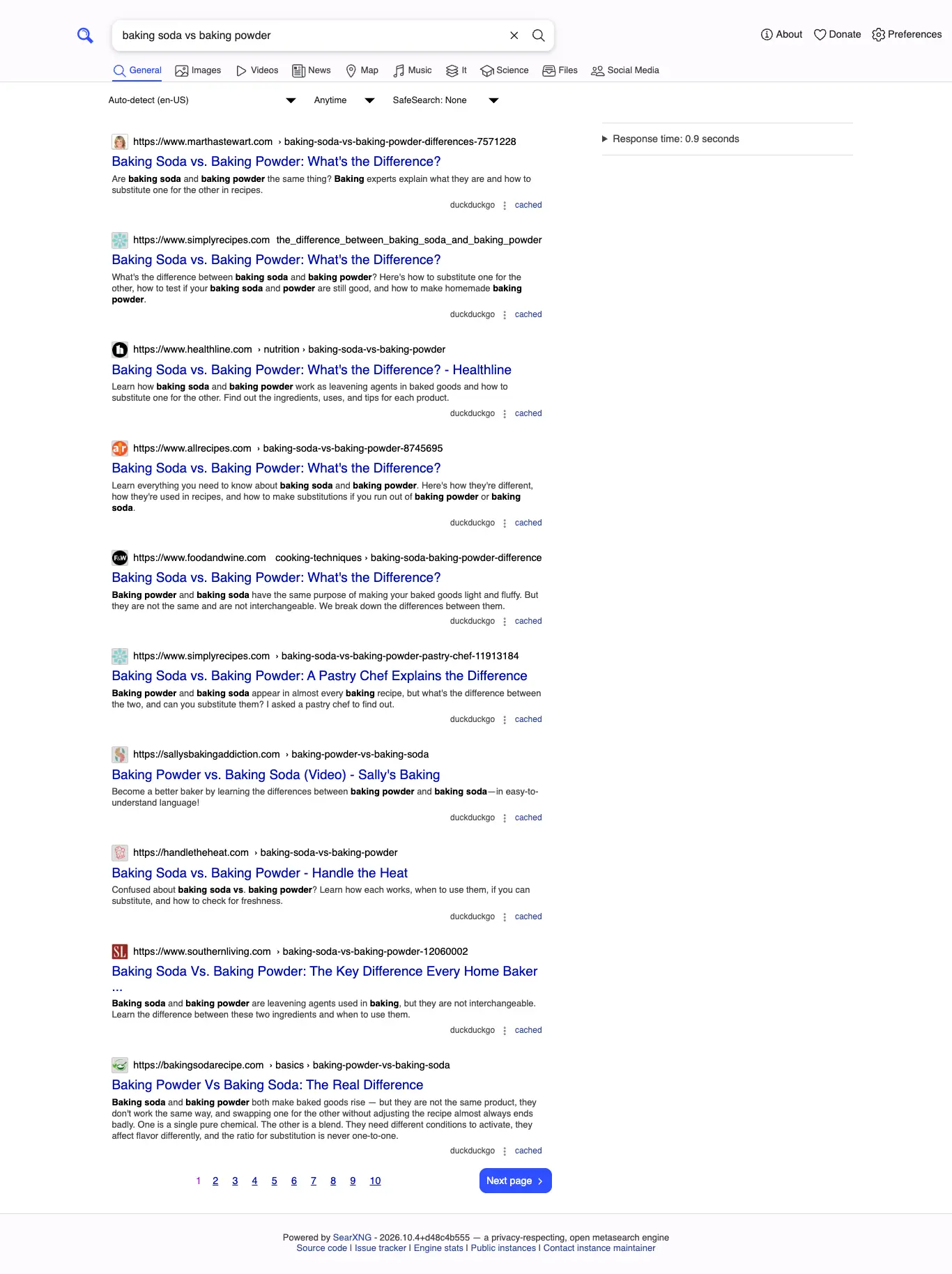
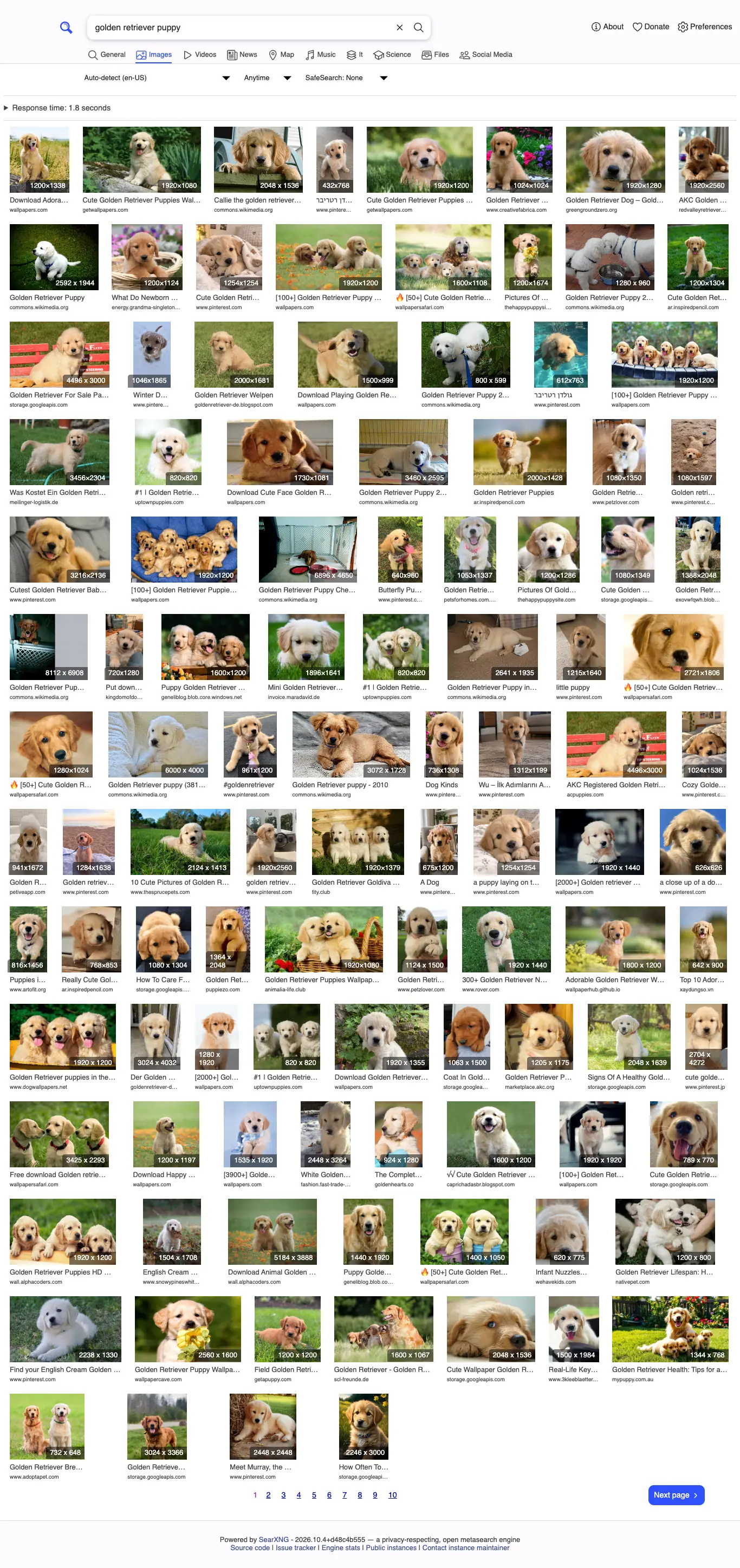
Caveats
- Results depend on the instance. We tested baresearch.org only.
- Public instances can rate-limit or go offline.
If a Google Web filter link fails, see when udm=14 stops working.
What the baresearch.org screenshots show
The hands-on test ran on Oct 6, 2026. The browser was Chrome 154 desktop (macOS). The IP address was in the US. The session was signed out. We opened baresearch.org only. SearXNG is software that someone else can host. This page does not treat another instance as tested.
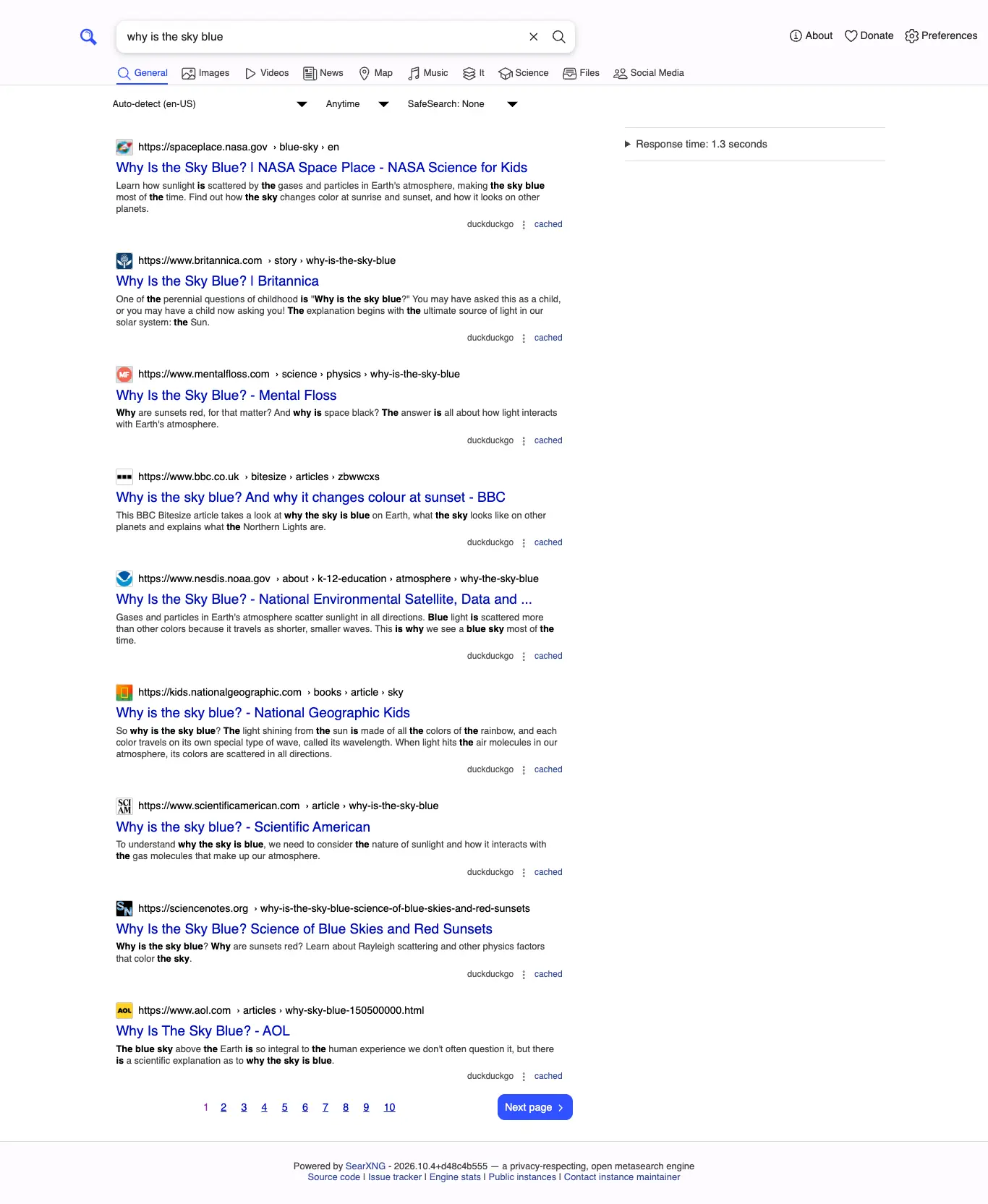
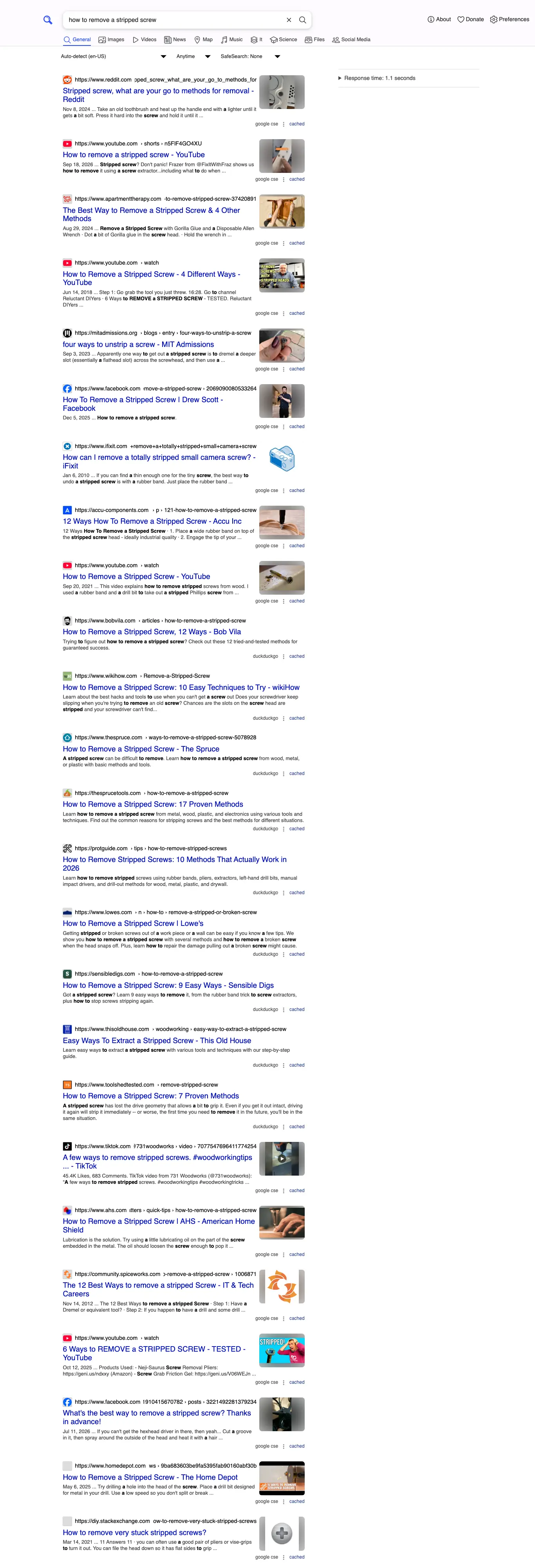
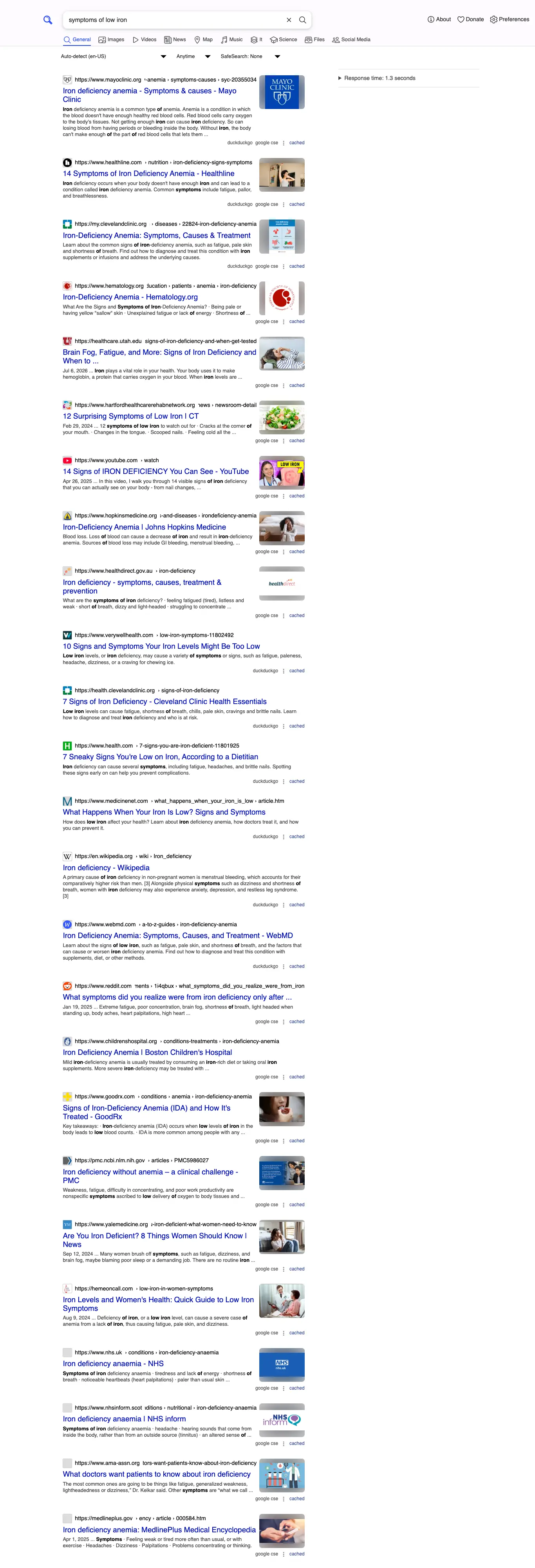
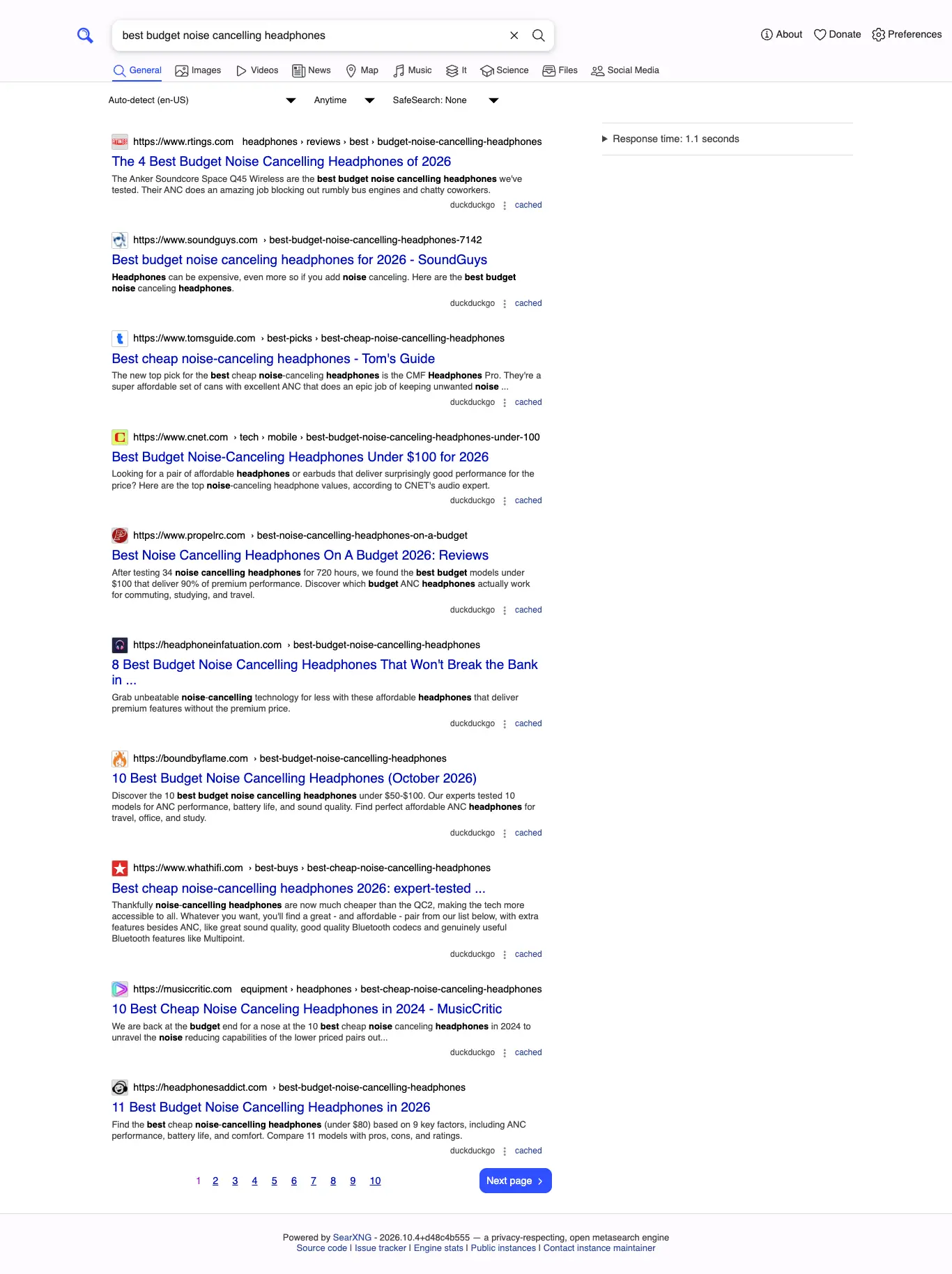
None of the seven web screenshots shows an AI answer. Each note names baresearch.org. The image screenshot shows image results. It does not show an AI filter. We did not find an AI-image control in that screenshot. A different instance could add one. We have not checked. That is untested.
- "why is the sky blue": no AI answer (baresearch.org).
- "how to remove a stripped screw": no AI answer (baresearch.org).
- "symptoms of low iron": no AI answer (baresearch.org).
- "best budget noise cancelling headphones": no AI answer (baresearch.org).
- "who was Ada Lovelace": no AI answer (baresearch.org).
- "inflation news": no AI answer (baresearch.org).
- "baking soda vs baking powder": no AI answer (baresearch.org).
- "golden retriever puppy (image search)": image results; no AI filter shown.
The queries are the same locked set used for every engine: a knowledge question, a how-to, a health question, a product search, a person, a news query, a comparison, and an image search. The wording lives on the methodology page.
The SearXNG docs say SearXNG is self-hosted metasearch software. Results and plugins vary by instance. We checked that page on Oct 6, 2026. Our index note says each instance picks which engines to query. The screenshots do not name those upstream engines. We are not listing them here. We did not publish a plugin list. Plugin behavior on baresearch.org is untested beyond the eight screenshots.
Public instances can rate-limit or go offline. We did not measure either one. Both limits are caveats, not timed results. Privacy depends on who runs the instance. We do not have a privacy-policy URL for baresearch.org in the test record. Login is not required. The price label is "Free". We did not pay anyone to run this instance.
Phones are untested. The mobile row says phones are not tested yet. A phone browser can still turn off AI Overviews on your phone while you stay on Google. We have not opened baresearch.org on a phone. That check is untested.
Because the instance chooses the upstream engines, a later visit can look different even when no AI box appears. The Oct 6 notes are the record for that day. They are not a promise about every public instance.
Set SearXNG as your default search in Chrome
Chrome on desktop (Windows, macOS, Linux).
If this instance is not the one you want, try another search engine without AI.
- Open Chrome. At the top right, select the three-dot menu (⋮) → Settings.
- On the left, select Search engine → Manage search engines and site search.
- To the right of the Site search row, select Add. In the Add site search dialog, Name: SearXNG. Shortcut: bare. URL with %s in place of query: not verified yet. Select Add.
- Next to the new entry, open the three-dot menu (⋮) → Make default.
Each instance has its own URL; this one uses baresearch.org, the instance we tested.
- Chrome managed by work or school may have the search engine locked by an administrator.
- In some countries, a Guest profile cannot set a custom site search as the default.
- Firefox, Safari, Edge and phones: not tested yet.
How to set it as your default search engine
These steps come from browser help pages. We have not completed a hands-on test that SearXNG stays the default after them. That result is untested. The search URL is not verified yet, so this page does not print one.
Chrome
Chrome on a computer is the section above, "Set SearXNG as your default search in Chrome." Chrome Help documents that path. We checked it on Oct 12, 2026. Open Chrome. At the top right, select the three-dot menu, then Settings. On the left, select Search engine, then Manage search engines and site search. To the right of the Site search row, select Add. The dialog is Add site search. The name in our steps is SearXNG. The shortcut is bare. The URL field is "URL with %s in place of query." Then open the three-dot menu and select Make default.
Chrome Help says a work or school admin may choose the default search engine. It also says that in some countries a Guest profile cannot set a custom site search as the default. Chrome on Android is a different help page. It says you select a search engine, and that recently visited search engines are added as options. It does not show a field for a custom URL. We have not confirmed a custom engine there. That check is untested.
Safari
Safari's help pages tell you to pick from a list. They do not document a field for a custom results URL. If SearXNG is not on that list, these steps do not add it.
On a Mac, Apple's Safari guide says: go to the Safari app on your Mac. Delete all text in the Smart Search field. Click the magnifying glass to the left of the Smart Search field, then choose a search engine from the list.
On iPhone, Apple's default-engine page says: go to the Settings app. Tap Search, then tap Search Engine. Tap the search engine you want to set as the default, then tap the Back button.
Apple's search page for iPhone also lists an older path: go to the Settings app. Tap Apps, then tap Safari. Tap Search Engine, then choose a search engine. We have not checked either list on a Mac or an iPhone. That check is untested.
Firefox
Firefox Help says Firefox 140 and later can add a custom search engine in Settings. Earlier versions cannot create one there. They need an add-on. The steps on that page are: click the menu button and select Settings. Select Search on the left. Scroll down to Additional search engines. Click Add search engine. Fill in the search engine name. In the URL box, paste the results URL. Replace the search tag with %s. The help page's example is https://example.com/search?q=%s. A keyword is optional. Click Add Engine.
To find the search tag, that page says to search for a unique word such as ZZZZZZ. The word in the results URL is the search tag. We have not verified the results URL for SearXNG. Do not treat the example host as this engine.
A second Firefox Help page says how to make an engine the default. Click the menu button and select Settings. Select Search in the left pane. Use the drop-down menu under Default search engine. We have not walked these Firefox steps on a computer. That check is untested.
How we tested SearXNG
We ran the same 8 queries we use for every engine: 7 web searches and 1 image search.
This round used Chrome 154 desktop (macOS) from the US, signed out, on Oct 6, 2026.
We tested baresearch.org.
Phones not tested yet.
Official sources
Other engines we tested
- DuckDuckGo without AI: noai.duckduckgo.com
- How to search Google without AI
- Does Startpage Use AI?
- Compare all tested search engines
Not tested yet: Mojeek, Kagi, Brave Search, Ecosia.
Prefer to keep Google? You can use Google's Web filter (udm=14).